Skip to content
Tools Your files

In the iOS app

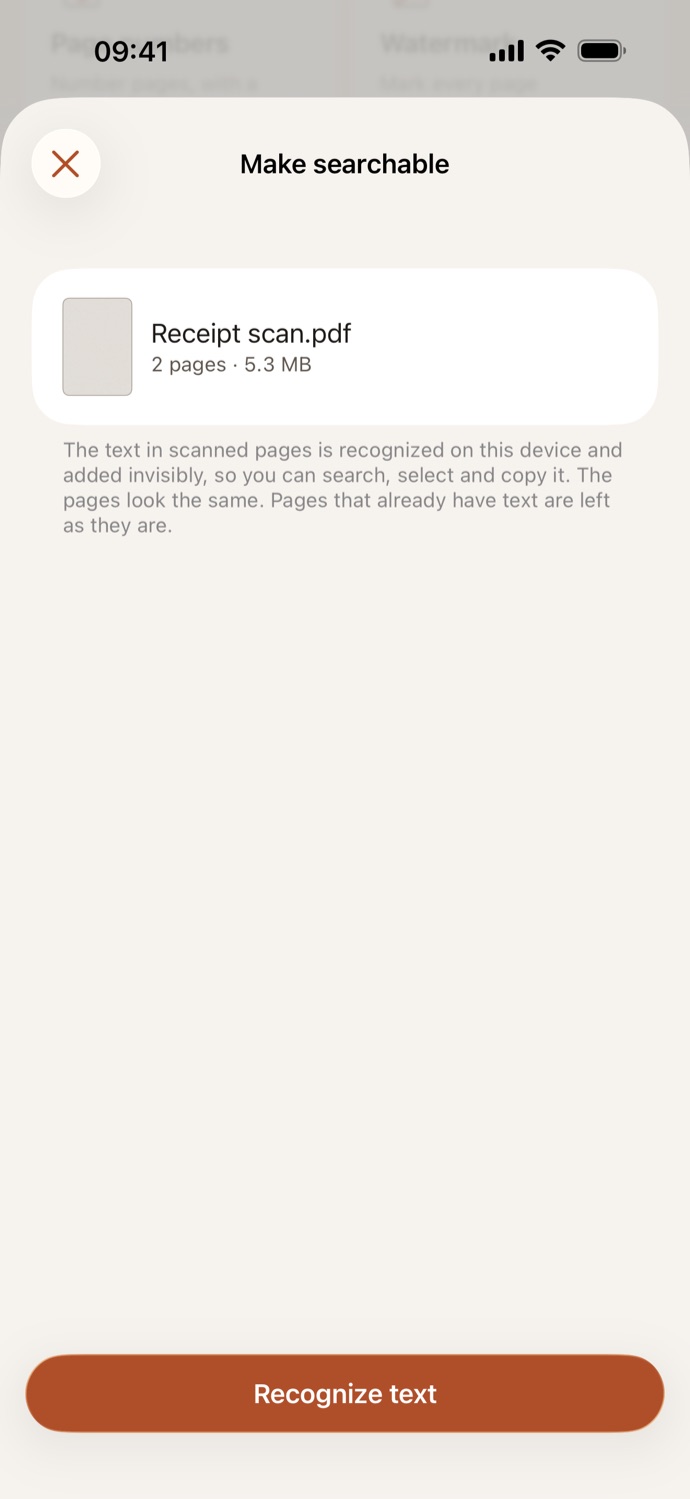
Make searchable

Find and copy the text in scans

This tool is in PDF Case for iPhone and iPad. It works on your device there too, and never uploads your files.
Get PDF Case on the App Store All tools About the app
Make searchable · PDF Case
  • Organize
  • Merge PDFs Join several PDFs in the order you choose
  • Split PDF By page ranges, every few pages, or one file per page
  • Extract pages Pick pages to save as a new PDF
  • Organize pages Reorder, rotate or delete pages
  • Edit
  • Page numbers Number pages, with a cover page left out
  • Watermark Mark every page CONFIDENTIAL, DRAFT…
  • Flatten Lock in filled forms and comments
  • Crop pages Trim white margins or cut the edges
  • Fill in a form Type into a PDF's fields and tick its boxes
  • Annotate Highlight, draw, add notes, text and shapes
  • Optimize
  • Compress PDF Make scans smaller to send In the iOS app
  • Grayscale Shades of gray, for printing
  • Make searchable Find and copy the text in scans In the iOS app
  • Make a PDF
  • Images to PDF Photos and image files, one per page
  • Scan to PDF Use the camera; edges are found for you In the iOS app
  • Text to PDF Type, paste or open a text file
  • Office to PDF Word, Excel and PowerPoint files In the iOS app
  • Convert from PDF
  • PDF to images Save every page as JPG or PNG
  • PDF to text Save the text of every page
  • Extract images Save the photos and pictures inside a PDF
  • Sign and protect
  • Sign PDF Draw, type or import your signature
  • Add password Ask for a password to open
  • Remove password Save a copy without the password
  • Remove metadata Take out author, app and dates
  • Redact Black out names and numbers for good
  • PDF Case
  • Your files
  • Settings